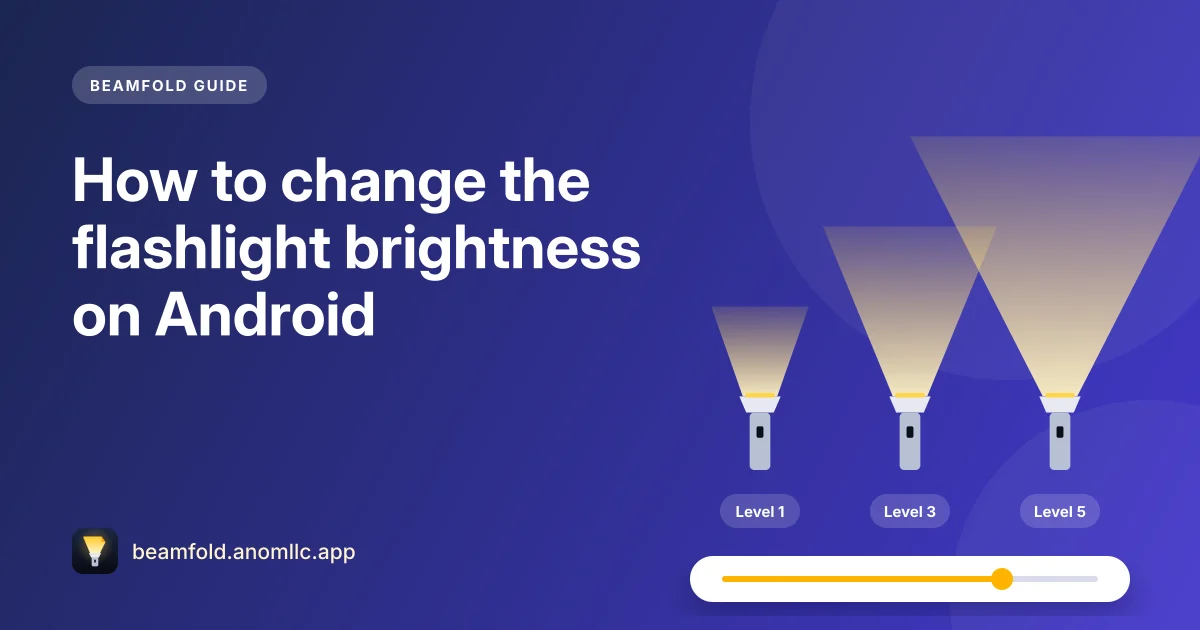
You can change the flashlight brightness on Android if your phone's flash supports more than one level. On many phones you long-press the Flashlight tile in Quick Settings and drag a slider; a flashlight app such as Beamfold shows the same levels with a slider on its main screen. Android added the ability for apps to set flashlight brightness in Android 13, but it only works when the phone maker has added support for it, so some phones still have a single brightness.
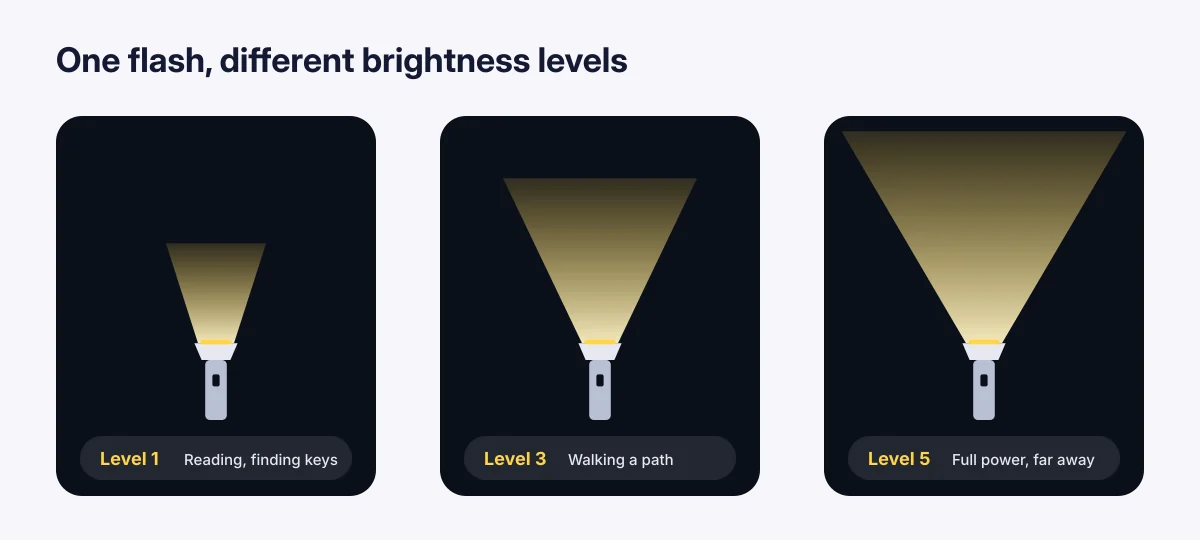
Change it in Quick Settings
- Swipe down from the top of the screen to open Quick Settings.
- Press and hold the Flashlight tile (on some phones, tap the word "Flashlight" next to the icon).
- Drag the slider to the brightness you want. The phone remembers it for next time.
Samsung Galaxy: long-pressing the Flashlight tile has shown brightness levels for years. Google Pixel: a "Flashlight strength" slider arrived with Android 16 QPR3, the March 2026 Pixel update. On a small 1×1 tile you long-press it; on a wide tile you tap the "Flashlight" label. Other phones vary, so if a long press only opens a settings page, your phone may not offer levels there.
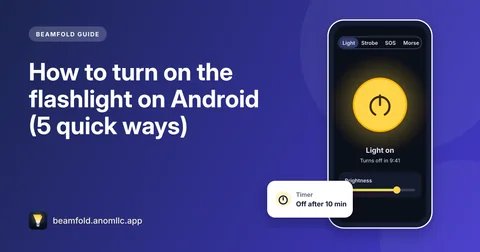
Change it in a flashlight app (Beamfold)
- Open Beamfold and make sure the Light mode is selected.
- Use the Brightness slider under the big switch. It shows the levels your phone's flash supports, for example "Level 3 of 5".
- The light changes as you move it, and Beamfold uses the same level next time.
If you don't see a Brightness slider in Beamfold, your phone's flash has only one brightness that apps can use. That's a limit of the phone, not something a setting can unlock.
Why some phones have only one brightness
A phone's flash is an LED next to the camera, driven by a small controller. To dim it, the phone maker has to tell Android how many steps the controller supports. Since Android 13, phones can report this (Android calls it the torch "strength level"), and apps can then choose a step. Many older phones, and some new ones, report a single level, so both Quick Settings and apps can only turn the light fully on or off.
Ways to get a softer light anyway
- Use the screen as a light. A white or warm white screen at full brightness lights up a page or a keyhole without dazzling anyone. Beamfold's Screen light does this, with a slider for the screen's brightness.
- Use red for the night. A red screen light helps your eyes stay used to the dark, which is why astronomers and campers use red lights.
- Cover the flash with a finger or tissue in a pinch. It diffuses the beam into a softer glow.
Does a dimmer flashlight save battery?
Yes. The LED's power use rises with brightness, so a lower level makes a long night with the flashlight on cost less battery and keeps the phone cooler. If you need light for a long time, pair a lower level with an auto-off timer so it doesn't stay on after you're done.